Best Apps for Splitting Travel Expenses in 2026
Splitting travel expenses with a group should be the least stressful part of your trip. This guide compares the best apps for tracking and settling shared costs on the road, from weekend getaways to international adventures.
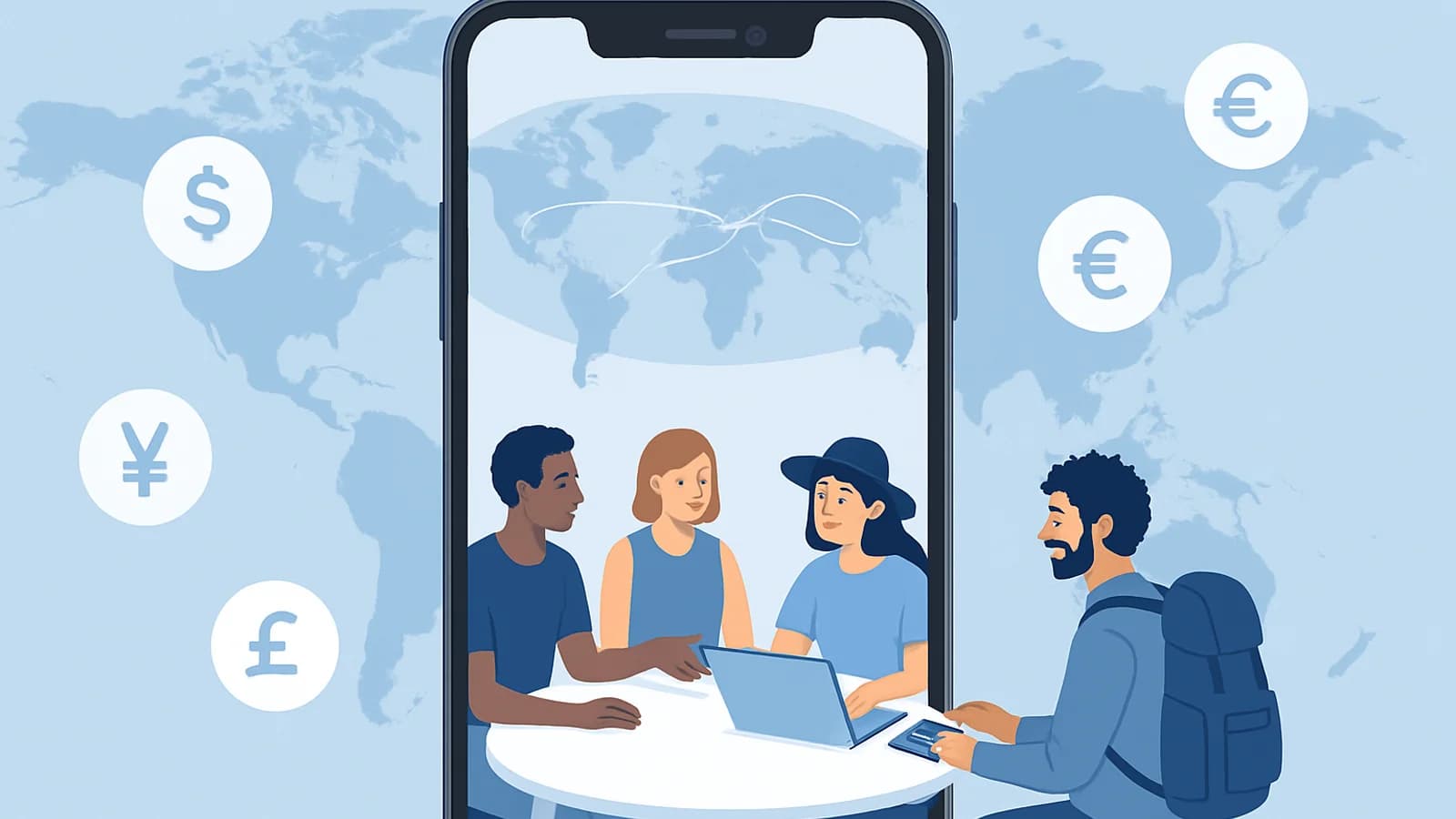
Picture this: it is the last night of a two-week trip through Southeast Asia. Someone paid for the beach villa, someone else covered flights, and a dozen meals were scattered across half the group. Now you are all staring at a WhatsApp thread trying to figure out who owes what. This is where most group trips fall apart, not on the road, but at the checkout. A good expense-splitting app turns that chaos into a clean list of who pays whom. The right one for travel is not just any budgeting tool. It needs to handle multiple currencies, work without a reliable internet connection, and make settling up fast enough that everyone leaves as friends. We tested and compared the top contenders for 2026. Whether you are planning a weekend road trip with two friends or an international group adventure with eight people, this guide will help you pick the app that fits your trip. ## Why Travel Expense Splitting Is Different Travel expenses come with a unique set of complications that everyday bill splitting does not. When you are splitting the dinner bill at home, you are dealing with one currency and one meal. On a trip, you might be juggling euros, baht, and dollars across 14 days of hotels, taxis, restaurant bills, and entrance fees. Here are the specific challenges a travel expense app needs to solve: - Multi-currency support: Expenses happen in local currencies. You need an app that lets you log expenses in different currencies without doing the math yourself. - Offline access: Hostels in rural Portugal and beach towns in Thailand do not always have reliable Wi-Fi. Your app needs to work when connectivity is poor or absent. - Fronting large costs: One person often pays for the hotel or flights upfront. The app needs to handle lopsided contributions and calculate fair repayments. - Debt simplification: After 10 days and 40+ shared expenses, you do not want to send 12 separate bank transfers. Smart apps minimize the number of transactions needed to settle everything. - Easy group onboarding: Not everyone in your group is tech-savvy. The app should be simple enough that everyone joins without a tutorial. Not every expense app handles all of these well. The ones below do. For a broader look at how these apps compare day-to-day, see our complete guide to the best expense splitting apps in 2026. ## The 7 Best Apps for Splitting Travel Expenses in 2026 ### 1. OweMeter Best for: Groups who want something completely free with no friction OweMeter is a web-based expense tracker built specifically for groups. It is free with no ads, no premium tier, and no limits on groups or expenses. For travel, its key strengths are multi-currency support (you enter the currency manually for each expense), offline capability, and smart debt simplification that reduces the total number of transfers needed to settle up. Because it is web-based, there is nothing to install. Anyone in your group can join without creating an account, which removes the biggest barrier to group adoption. It does not have built-in automatic currency conversion or receipt scanning, but for groups that prefer a clean, fast interface without paying for features they might not use, it is one of the best free bill splitting apps available. Pricing: Free forever, no limits Platform: Web (any browser on iOS, Android, desktop) --- ### 2. Splitwise Best for: Long trips with complex expense histories Splitwise is the best-known name in expense splitting, and for good reason. Its free plan allows unlimited groups and unlimited expenses, which is generous. For travel, it handles multiple currencies and gives you a clear view of who owes what across the entire trip. The iOS, Android, and web apps all sync seamlessly. The paid Pro plan ($5/month or $40/year) unlocks receipt scanning and expense exports. For frequent travelers who want the most complete feature set, it is worth considering. If you are already a Splitwise user but want to see how it stacks up against alternatives, our OweMeter vs Splitwise comparison breaks down the differences in detail. Pricing: Free (unlimited); Pro at $5/month or $40/year Platform: iOS, Android, Web --- ### 3. Tricount Best for: Groups who want offline-first tracking with receipt scanning Tricount is a travel favorite for good reason. It works fully offline, supports multiple currencies, and includes OCR receipt scanning in its app. You can log an expense by photographing a receipt, which speeds up data entry considerably on longer trips. The core app is free with no limits. A small one-time payment (around $4.99) unlocks exports and a few extras. Tricount's web interface also makes it accessible without installing anything, though its mobile apps are where it shines. Pricing: Free core; premium features around $4.99 (one-time) Platform: iOS, Android, Web --- ### 4. Splid Best for: Backpackers and budget travelers who want zero cost and 150+ currencies Splid is the option for travelers who want maximum functionality at zero cost. It supports over 150 currencies, works offline, and requires no account to use. Its debt simplification algorithm is solid, and the interface is clean and straightforward. For backpackers moving through multiple countries with a small group, Splid is hard to beat. The only trade-off is that it lacks some of the polish of Splitwise or OweMeter, and it is mobile-only. Pricing: Completely free Platform: iOS, Android --- ### 5. Settle Up Best for: Groups who need flexible percentage or fixed-amount splits Settle Up handles custom split types well, which matters when one person books a private room while others share a dorm. You can split by percentage, fixed amount, or equal share, and it works offline with multi-currency support. The free version covers most use cases, and the premium plan ($4.99/year) adds group sync and a few extras. Pricing: Free basic; premium at $4.99/year Platform: iOS, Android --- ### 6. Cino Best for: Corporate groups and frequent travelers who want to avoid fronting costs Cino takes a different approach. Rather than logging expenses after the fact, it provides a virtual group card that splits charges in real time as you spend. This eliminates the "I paid for the hotel and need to be reimbursed" problem entirely. It also charges zero FX fees on international transactions. For organized corporate travel or friend groups with premium needs, Cino is impressive. The trade-off is that the virtual card feature requires a paid plan ($5-10/month), and it works best when everyone in the group uses it. Pricing: Free basic; virtual card from around $5-10/month Platform: iOS, Android --- ### 7. Splittr Best for: Simple one-trip use with no recurring subscription Splittr is a no-fuss app for groups who want to track one trip and be done. It supports multiple currencies and works offline. The free version handles the basics, and a one-time purchase (around $2.99) adds PDF exports for sharing a final tally. There is no account required and no ongoing cost. Pricing: Free basic; PDF export at around $2.99 (one-time) Platform: iOS, Android ## Quick Comparison at a Glance | App | Best For | Free Plan | Multi-Currency | Offline | Platform | |---|---|---|---|---|---| | OweMeter | Zero-friction groups | Yes, no limits | Yes (manual) | Yes | Web | | Splitwise | Complex long trips | Yes, unlimited | Yes | Partial | iOS, Android, Web | | Tricount | Offline + receipt scan | Yes, no limits | Yes | Yes | iOS, Android, Web | | Splid | Budget backpackers | Yes, 150+ currencies | Yes | Yes | iOS, Android | | Settle Up | Custom split types | Yes | Yes | Yes | iOS, Android | | Cino | No-fronting groups | Limited | Yes (zero FX) | Partial | iOS, Android | | Splittr | One-trip simplicity | Yes | Yes | Yes | iOS, Android | ## How to Choose the Right App for Your Trip The best app depends on your trip type and group preferences. For a group adventure trip (6+ people, 7+ days): You need debt simplification and multi-currency support. OweMeter, Splitwise, and Tricount all handle this well. If your group is tech-comfortable, Tricount adds the bonus of receipt scanning. For a couples getaway: Simplicity wins. OweMeter or Splittr let you log shared expenses quickly without setup overhead. Neither requires an account, and both handle multi-currency without fuss. For backpacking through multiple countries: Splid or Tricount are your best bets. Both are fully free, work offline, and support a wide range of currencies. Splid requires no sign-up at all. For corporate or business travel: Cino's virtual card approach removes the headache of expense reimbursement. If your team travels frequently and hates the fronting-and-reimbursement cycle, the premium plan is worth it. One practical tip: decide on your app before the trip starts, not during it. Getting eight people to download and join a group at the airport is harder than it sounds. If you are comparing options, our roundup of Splitwise alternatives covers several of these apps in more detail. ## Why OweMeter Works Well for Travel Groups OweMeter was built with groups in mind, and that shows in how it handles travel scenarios. The biggest practical advantage is the no-account-required model. When you share a group link with your travel companions, they can join and start adding expenses immediately, no email confirmation, no app store download, no friction. On trips where you are coordinating across time zones and everyone has different devices, this matters. For multi-country trips, you enter the currency for each expense manually. This keeps things clear without relying on automatic conversion rates that may not reflect what you actually paid. At the end of the trip, the debt simplification engine calculates the minimum number of transfers needed to settle everything, so instead of 12 transfers, you might have 3 or 4. OweMeter does not have receipt scanning or native mobile apps. If those features are priorities for your group, Tricount or Splitwise are better fits. But if you want something completely free, with no ads interrupting your trip planning, and no paywall blocking features you need, OweMeter delivers on that promise without compromise. ## Frequently Asked Questions What is the best free app for splitting travel expenses? OweMeter, Splid, and Tricount are all completely free for core features with no limits. OweMeter requires no download and no account. Splid supports 150+ currencies at no cost. Tricount adds receipt scanning for free. Do expense-splitting apps work without internet? Yes, most of the apps on this list work offline. Tricount, Splid, Settle Up, and Splittr all work offline and sync when you reconnect. OweMeter is a web app that functions in low-connectivity situations, though full offline use depends on your browser's caching behavior. How do travel expense apps handle multiple currencies? Most apps let you log each expense in the local currency. Some, like Cino, apply automatic conversion at real-time rates. Others, like OweMeter and Splid, let you enter the currency manually, which is useful when you want to record what you actually paid rather than a converted estimate. Can I use these apps for a trip with 10 or more people? Yes. Splitwise, OweMeter, Tricount, and Splid all support large groups with no participant limits on their free plans. The debt simplification feature becomes especially useful at larger group sizes, reducing what could be dozens of transfers to just a few. What happens if someone in my group does not want to download an app? OweMeter is the best option here because it is web-based and requires no account or download. Anyone with a browser can join a group via a shared link. Tricount also has a web version. For apps like Settle Up or Cino, all participants need to install the app. ## Related Articles - Best Expense Splitting Apps in 2026: Honest Comparison Guide - Best Splitwise Alternatives in 2026: 9 Options Compared - Free Bill Splitting Apps (No Ads, No Limits)
Frequently Asked Questions
What is the best free app for splitting travel expenses?
OweMeter, Splid, and Tricount are all completely free for core features with no limits. OweMeter requires no download and no account. Splid supports 150+ currencies at no cost. Tricount adds receipt scanning for free.
Do expense-splitting apps work without internet?
Yes, most top travel expense apps work offline. Tricount, Splid, Settle Up, and Splittr all work offline and sync when you reconnect. OweMeter is a web app that functions in low-connectivity situations.
How do travel expense apps handle multiple currencies?
Most apps let you log each expense in the local currency. Some apply automatic conversion at real-time rates. Others, like OweMeter and Splid, let you enter the currency manually, which records what you actually paid rather than a converted estimate.
Can I use these apps for a trip with 10 or more people?
Yes. Splitwise, OweMeter, Tricount, and Splid all support large groups with no participant limits on their free plans. Debt simplification becomes especially useful at larger group sizes, reducing dozens of transfers to just a few.
What happens if someone in my group does not want to download an app?
OweMeter is the best option here because it is web-based and requires no account or download. Anyone with a browser can join a group via a shared link. Tricount also has a web version.
Pillar Guide
This article belongs to the Best Expense Splitting Apps in 2026: Honest Comparison Guide cluster.
Related Articles
March 18, 2026
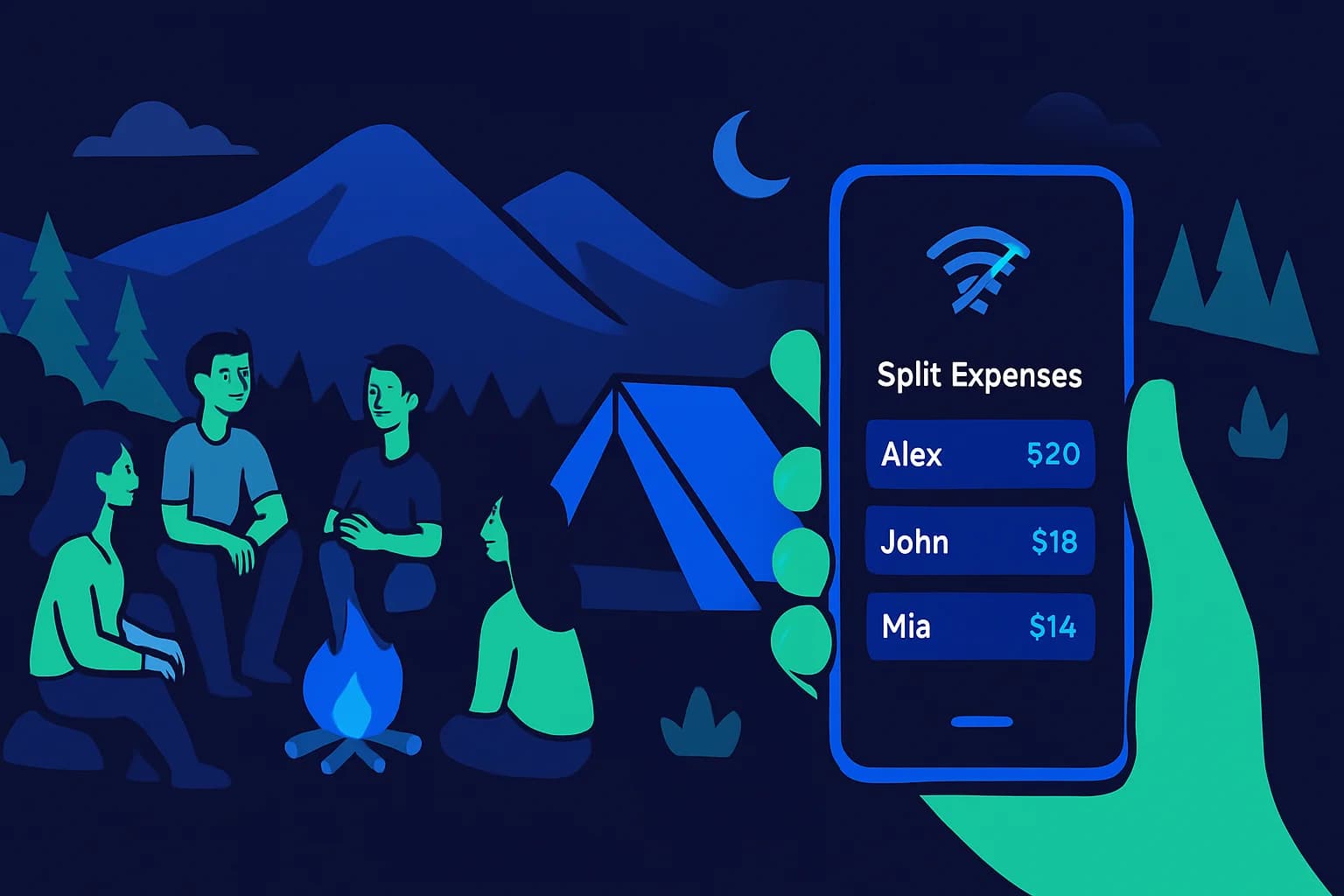
Expense Splitting Apps That Work Offline in 2026
Need to log shared expenses without Wi-Fi? These apps work fully offline. Compare Splid, Settle Up, Splitwise, and Tricount to find the right app for your next trip.

March 14, 2026
Bill Splitting App Security: What to Look For
Before trusting any app with your financial data, know what security features to look for. Here is what separates a safe expense app from a risky one.

March 10, 2026
Best Expense Apps for Couples in 2026
Money disagreements are one of the top causes of relationship friction, but the right expense app can take the stress out of shared finances. Here's a straightforward comparison of the best expense apps for couples in 2026, covering free options, premium picks, and what each one actually does well.

March 4, 2026
Best Expense Tracking Apps for Roommates in 2026
Tracking shared expenses with roommates doesn't have to cause arguments. Compare the best expense tracking apps for roommates in 2026 , including free options with multi-currency support, offline access, and debt simplification.