Bill Splitting App Security: What to Look For
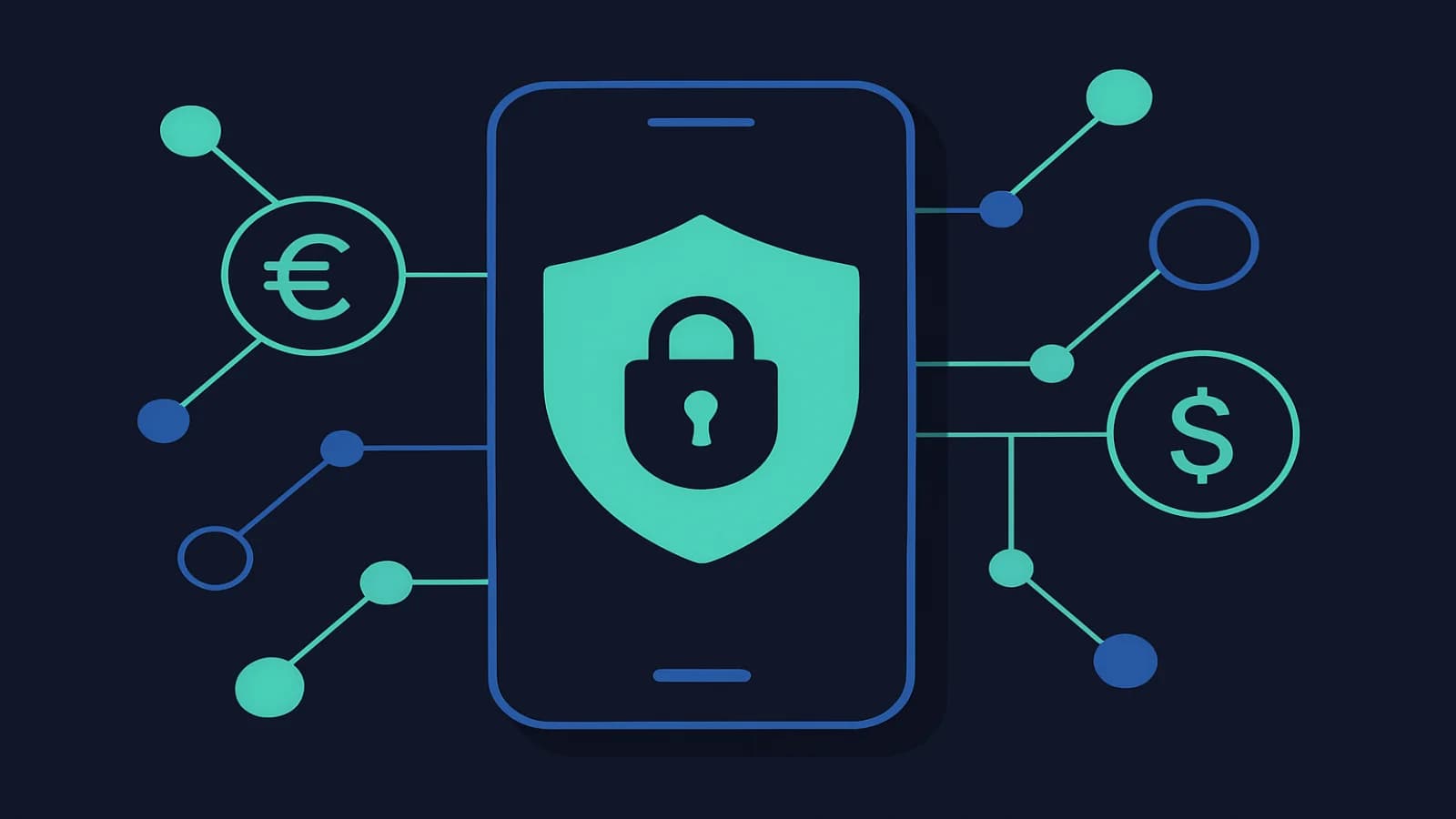
Before trusting any app with your financial data, know what security features to look for. Here is what separates a safe expense app from a risky one.
Quick Answer
What security features should I look for in a bill splitting app?
Look for end-to-end encryption (AES-256), two-factor authentication, a clear privacy policy that limits data sharing, and regular security updates. Avoid any app that stores your banking credentials, lacks 2FA, or has vague terms about selling your data to third parties.
Your Expense App Knows a Lot About You
Think about what your bill splitting app actually holds: who you spend time with, what you buy, how much money flows between you and your friends, and sometimes even your payment details. That is a surprisingly detailed picture of your life.
Most people pick an expense app based on features and price, then never think about security again. That is a reasonable approach for a recipe app. For something that touches your financial life, it is worth spending five minutes understanding what you are actually signing up for.
This guide covers what good security looks like in a bill splitting app, the red flags that should make you think twice, and the simple habits that keep your data safe regardless of which app you use. If you are still choosing between options, our guide to the best expense splitting apps in 2026 covers the full field.
Why Security Matters More Than You Think
Expense splitting apps are not banks, so they do not face the same regulatory scrutiny. Most do not hold actual payment funds, which puts them outside the strictest financial regulations. That is worth knowing, because it means the security bar is set by the app developer, not by law.
The risks are real. Venmo made headlines for years because all transactions were public by default, meaning anyone could see who you were paying and for what. That was not a bug; it was a design choice. More seriously, fintech apps have been used in targeted phishing campaigns where fake payment requests or settlement notifications trick users into handing over credentials.
Even without a breach, there is the quieter question of what happens to your data. Many free apps make money by selling anonymised spending patterns to advertisers or data brokers. The word anonymised does not always mean what you hope it means.
5 Security Features Worth Checking
1. Encryption at Rest and in Transit
Any legitimate app encrypts data as it travels between your device and their servers (in transit) and while it sits in their database (at rest). The standard you want to see is AES-256 for stored data and TLS 1.2 or higher for transmission. If an app does not mention encryption anywhere in its security documentation, that absence is itself a red flag.
You will not usually see this on the main marketing page. Check the security section of the privacy policy, the help center, or search for the app name and 'encryption'. Reputable apps are proud of this stuff and publish it clearly.
2. Two-Factor Authentication
The FTC found that 2FA blocks 99.9% of automated account takeover attacks. It is the single most effective thing you can do to protect any online account. For an expense app, look for support of an authenticator app (like Google Authenticator or Authy) rather than just SMS codes. SMS 2FA is better than nothing, but it can be bypassed via SIM-swapping attacks.
If the app does not offer 2FA at all, that is a meaningful gap. It should be a dealbreaker for any app that links to payment methods or stores significant financial history.
3. Data Minimisation
Good apps ask for what they need and nothing more. For tracking shared expenses, an app needs your email, a password, and the expense amounts you enter. It does not need your full contact list, your precise location, or access to your camera roll beyond what you explicitly share for receipts.
Check the app's permissions when you install it. If it wants access to things that have nothing to do with splitting bills, that is worth questioning. On iOS and Android, you can grant or deny specific permissions without uninstalling the app entirely.
4. A Privacy Policy You Can Actually Read
Yes, you should check it. You do not have to read every paragraph, but a 10-minute skim tells you a lot. Look for: what data they collect, who they share it with, how long they keep it, and what your rights are. A good privacy policy is specific. Watch for language that says things like 'we may share your information with trusted partners' without defining who those partners are.
GDPR and similar laws have improved privacy policies globally, but compliance looks very different from app to app. An app with users in the EU must offer deletion rights and data portability. If you are outside the EU, you may not have those rights by default unless the app extends them voluntarily.
5. Regular Security Updates
An app that has not been updated in 18 months has not been patched against security vulnerabilities discovered in that time. Check when the app was last updated in the App Store or Google Play. Active development does not guarantee security, but abandonment almost guarantees gaps.
Interactive Embed
Interactive widget placeholder
Red Flags That Should Give You Pause
Some things are concerning but explainable. Others are just bad signs. Here is the difference:
| Red Flag | Why It Matters | How Bad? |
|---|---|---|
| No 2FA support | One password is all that stands between an attacker and your account | Serious |
| Vague data sharing in privacy policy | Your spending patterns may be sold to third parties | Serious |
| Requests unnecessary permissions | Contacts, location, or camera access beyond what is needed | Moderate |
| No HTTPS | Data can be intercepted on public networks | Critical |
| App not updated in over a year | Known vulnerabilities likely unpatched | Moderate |
| Shared group login | One compromised member exposes everyone | Serious |
| No account deletion option | Your data may persist indefinitely after you leave | Moderate |
The shared login issue is one people underestimate. Some teams or households share a single login to avoid complexity. If any one person's device or email gets compromised, the whole account does. Individual accounts with proper permissions are worth the extra setup step.

Questions to Ask Before You Commit to an App
When you are comparing apps, whether you are picking your first one or thinking of switching, these five questions help cut through the marketing noise:
- Does it support 2FA, and is it enabled by default? Some apps offer it but bury it in settings. Default-on is better.
- What happens to my data if I delete my account? The answer should be: your data is deleted within 30-90 days. Indefinite retention is a problem.
- Does the free tier have weaker security? Most reputable apps offer the same security baseline across tiers. If a paid plan is the only way to get encryption, that is not a good sign.
- Has the app ever had a reported breach or vulnerability? A quick search for '[app name] data breach' takes 30 seconds. Past incidents are not automatic dealbreakers if the app responded well and patched quickly.
- Is the company behind it identifiable and accountable? A solo developer's side project is fine, but for something that touches financial data, it helps to know there is an organisation with legal accountability behind the app.
If you are weighing up popular options, our comparison of OweMeter vs Splitwise covers key differences including how both handle data and privacy. For anyone who wants a zero-cost option, free bill splitting apps includes a breakdown of which free tools take security seriously and which cut corners.
Safe Habits That Matter Regardless of Which App You Use
Even a well-secured app cannot protect you from weak passwords or phishing. A few habits make a big practical difference:
- Use a unique password. Your expense app password should not be used anywhere else. A password manager makes this effortless.
- Turn on 2FA right after signing up. Do not leave it for later, because later never comes.
- Be suspicious of payment request notifications. Phishing attempts often disguise themselves as settle-up reminders. Go directly to the app rather than clicking links in emails.
- Log out of shared devices. If you check your expense app on someone else's phone or a public computer, log out before leaving.
- Review your expense history periodically. Any entry you do not recognise is worth investigating. Unusual activity is easiest to catch when you are looking at it regularly.
- Use cellular data for financial transactions when possible. Public Wi-Fi is convenient, but your home connection or mobile data is harder to intercept.
A Note on Shared Accounts for Couples and Flatmates
Couples and flatmates sometimes debate whether to use one account or two. From a security standpoint, individual accounts are always better. They let each person maintain their own access controls, and they do not leave one person locked out of financial records if the relationship changes.
The right apps make individual accounts work seamlessly for shared tracking. Our guide to best expense apps for couples covers this balance in more detail, including apps that give couples shared visibility without requiring shared credentials.
Frequently Asked Questions
Related Articles
Frequently Asked Questions
Are bill splitting apps safe to use?
Most established bill splitting apps are safe, provided you use strong passwords and enable two-factor authentication. The bigger risk is usually user behaviour (weak passwords, clicking phishing links) rather than app-level security failures. Check that any app you use offers 2FA, encrypts your data, and has a clear privacy policy before trusting it with financial information.
Should I link my bank account to a bill splitting app?
Most bill splitting apps do not require or request your bank login. If one does, that is unusual and warrants extra scrutiny. The standard approach is to track what people owe each other in the app, then settle up via a separate payment method. You are not giving the app access to your bank, just recording who owes what.
What should I do if I think my expense app account has been compromised?
Change your password immediately, enable 2FA if it is not already on, and review recent activity for any entries you do not recognise. Contact the app's support team to report the issue. If you used the same password elsewhere, change those accounts too.
Is it safe to use free bill splitting apps?
Free apps vary widely in how they handle security. Some free apps are genuinely well-built and secure; others rely on data monetisation to stay free. The key is to check the privacy policy specifically for data selling clauses. A free app that does not sell data typically generates revenue through a paid tier or investment, which you can often verify quickly.
Does OweMeter collect and sell my financial data?
OweMeter does not sell your data to third parties. The app tracks the expense amounts and categories you enter, stores them securely, and uses the category data to improve auto-categorisation for your account. Your expense history stays yours.
Related Articles
March 18, 2026
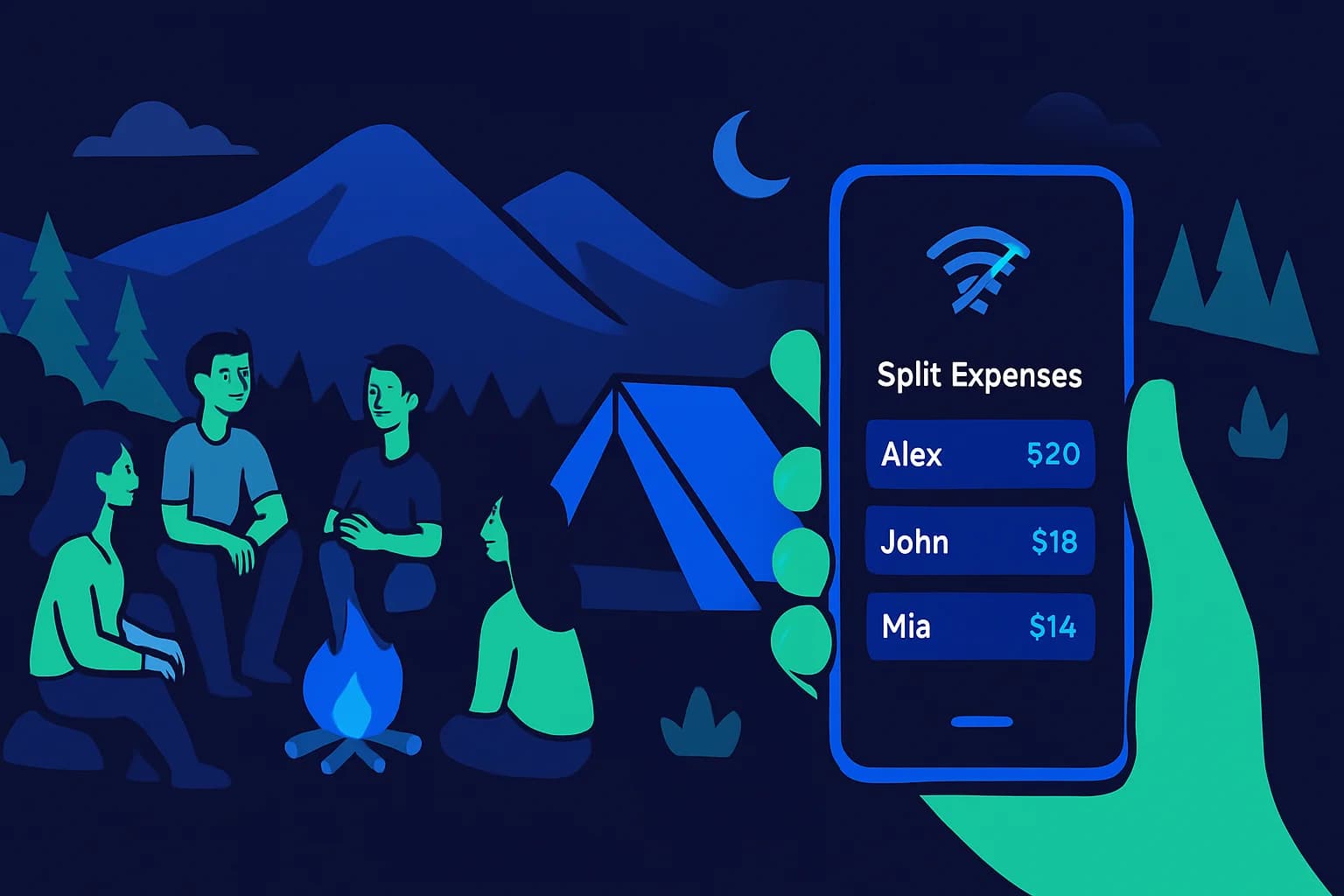
Expense Splitting Apps That Work Offline in 2026
Need to log shared expenses without Wi-Fi? These apps work fully offline. Compare Splid, Settle Up, Splitwise, and Tricount to find the right app for your next trip.

March 10, 2026
Best Expense Apps for Couples in 2026
Money disagreements are one of the top causes of relationship friction, but the right expense app can take the stress out of shared finances. Here's a straightforward comparison of the best expense apps for couples in 2026, covering free options, premium picks, and what each one actually does well.
March 7, 2026
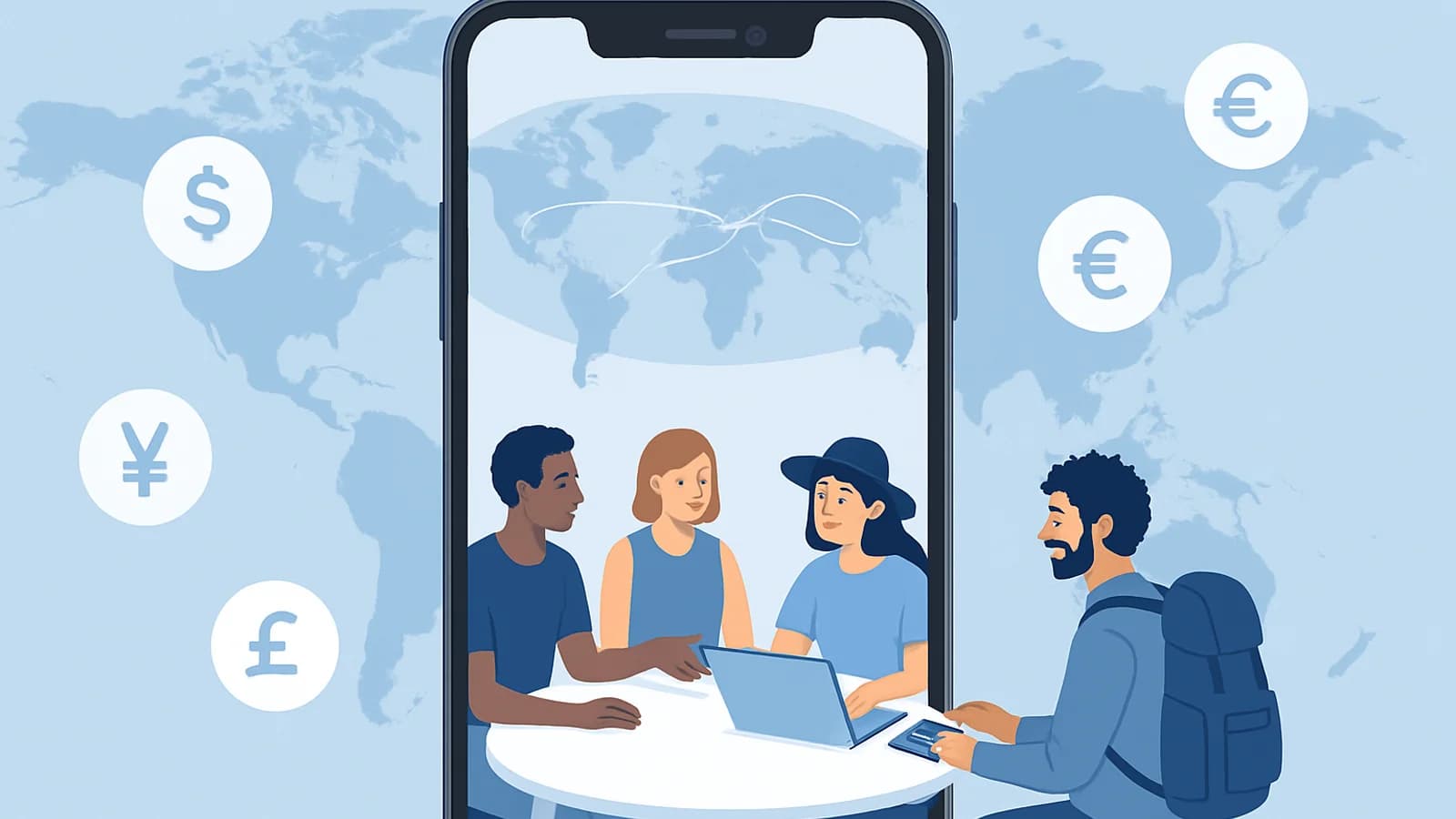
Best Apps for Splitting Travel Expenses in 2026
Splitting travel expenses with a group should be the least stressful part of your trip. This guide compares the best apps for tracking and settling shared costs on the road, from weekend getaways to international adventures.
March 4, 2026
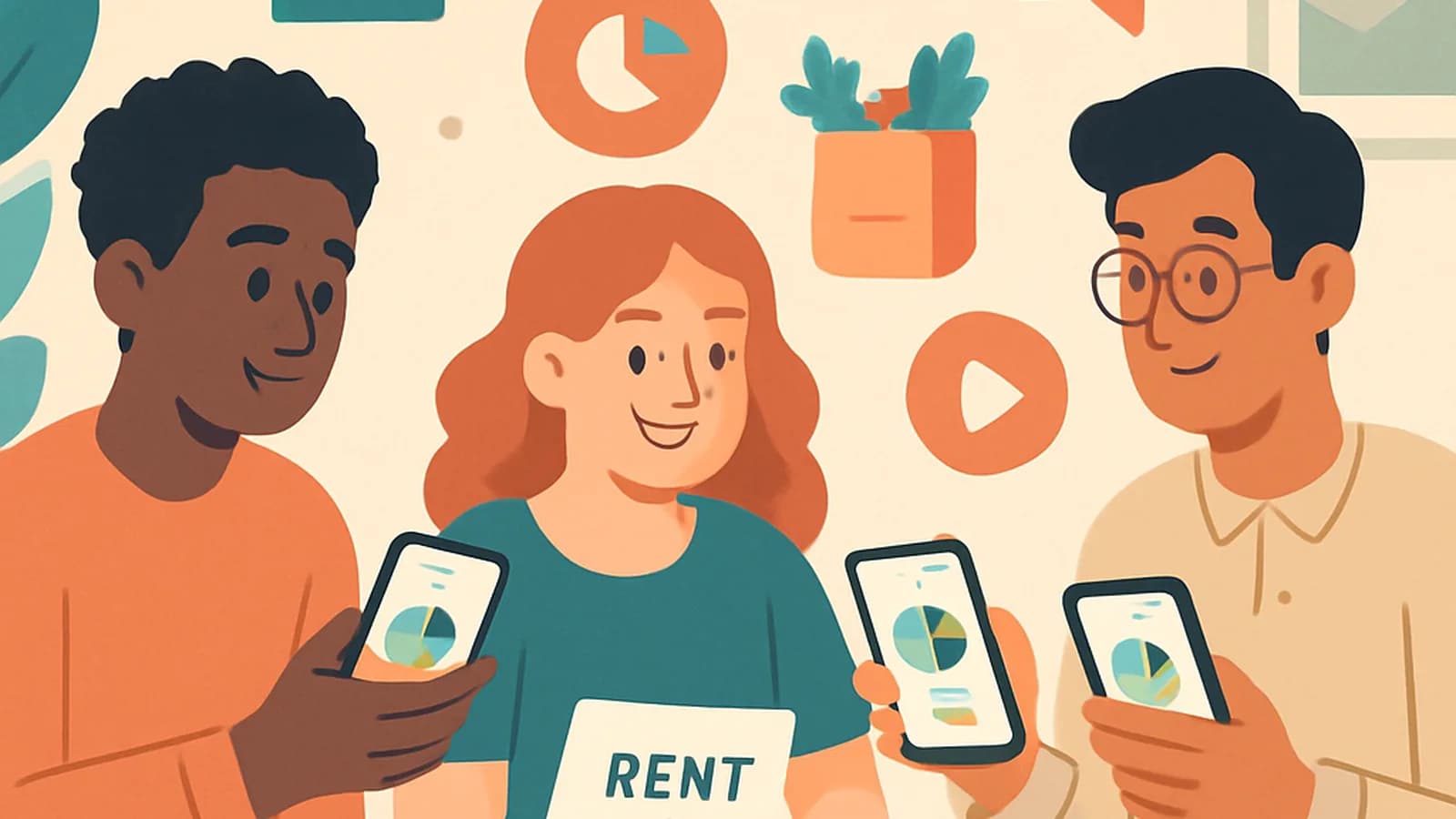
Best Expense Tracking Apps for Roommates in 2026
Tracking shared expenses with roommates doesn't have to cause arguments. Compare the best expense tracking apps for roommates in 2026 , including free options with multi-currency support, offline access, and debt simplification.