Expense Splitting Apps That Work Offline in 2026
Need to log shared expenses without Wi-Fi? These apps work fully offline. Compare Splid, Settle Up, Splitwise, and Tricount to find the right app for your next trip.
Quick Answer
Which expense splitting apps work offline?
Settle Up, Splid, and Splitwise are the top expense splitting apps with offline support in 2026. They let you log expenses, splits, and notes without an internet connection, then sync everything when you reconnect. Splid is the best fully-offline option for travel groups since it requires no account and works on any device.
Why Offline Expense Tracking Actually Matters
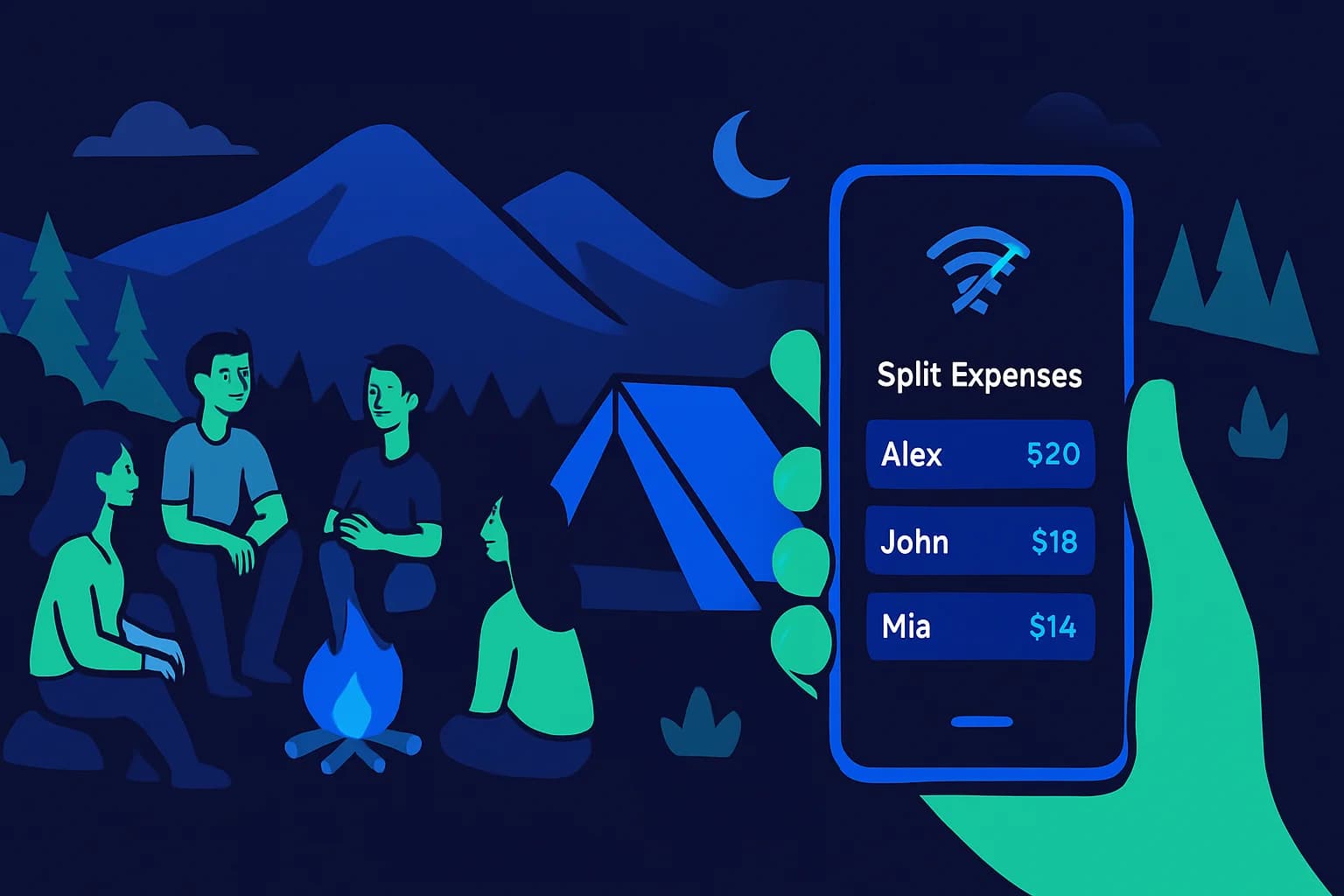
Picture this: you are hiking through a national park with three friends, someone pays for a group campsite, and you pull out your phone to log the expense. No signal. The app spins. Nothing saves. By the time you get back to civilization three days later, you have forgotten who paid for what, in which amounts, and someone is quietly stewing about the situation.
Offline capability is not a nice-to-have feature for travelers and outdoor groups. It is the difference between accurate records and a guessing game that strains friendships. Yet most people do not check for offline support before downloading an expense app, and they only find out it is missing at exactly the wrong moment.
This guide covers the apps that genuinely support offline logging, how their sync works, and the real-world scenarios where this matters most.
When You Actually Need Offline Expense Logging
Connectivity gaps are more common than people expect. International travelers often disable data roaming to avoid bill shock. Music festivals, national parks, and rural areas frequently have poor coverage. Flights, ferries, and remote mountain huts have zero signal for hours at a time.
- International travel with roaming turned off to avoid charges
- Camping and hiking trips in national parks or backcountry areas
- Music festivals where networks are saturated with thousands of users
- Road trips through rural stretches with dead zones
- Flights and long ferry crossings with no in-flight Wi-Fi
- Remote cabins or ski lodges without reliable broadband
- Cruises where ship Wi-Fi is expensive or unreliable
In every one of these situations, someone in your group is paying for shared expenses. Logging them immediately, while the receipt is still in hand, is far better than trying to reconstruct a trip's finances from blurry photos and half-remembered conversations afterward.
The Best Offline Expense Splitting Apps in 2026
These apps have been tested and confirmed to support expense logging without an internet connection. Each works differently in terms of sync, account requirements, and feature depth.
1. Splid: Best for Account-Free Offline Groups
Splid is purpose-built for group trips and is arguably the cleanest offline-first expense app available. It requires no account, no signup, and no email address. You create a group, share a link with your travel companions, and everyone can add expenses immediately.
The app stores everything locally on the device. When connectivity returns, it syncs via a shared group link. Splid supports 150+ currencies with manual conversion (no live exchange rates, which is fine since you enter what you actually paid), and it can export a trip summary as PDF or Excel when you are done.
2. Settle Up: Best Full-Featured Offline App
Settle Up stores expenses locally and syncs automatically to cloud storage when you reconnect. It works on iOS, Android, and web. If your group uses multiple devices and wants everything in sync without any manual steps, this is the strongest option.
The app supports custom split ratios (not just equal splits), voice input for quick entry, and debt simplification for complex groups. It has a free tier and an optional Pro plan for power features.
3. Splitwise: Works Offline, but with Limits
Splitwise supports offline expense entry. You can log expenses, IOUs, and debts without a connection, and they sync when you are back online. The limitation is that the free plan restricts you to five expense entries per day, which can pinch during an active group trip.
For groups that already use Splitwise for ongoing expenses at home, it is convenient to use the same app while traveling. Just be aware of the daily limit and consider the Pro plan at $40 per year if you need unlimited entries. You can read more in our OweMeter vs Splitwise comparison.
4. Tricount: Simple and Free
Tricount is a no-fuss, completely free app for trip expense splitting. It has basic offline logging and works well for straightforward equal splits. It lacks itemized splitting and advanced features, but for simple trips with equal shares, it does the job without cost or account requirements.
Offline App Comparison: Quick Reference
| App | True Offline? | Account Required? | Sync Method | Free Tier Limits | Best For |
|---|---|---|---|---|---|
| Splid | Yes, fully | No | Shared link sync | None | Account-free group trips |
| Settle Up | Yes, fully | Yes | Auto cloud sync | Minor feature limits | Full-featured offline use |
| Splitwise | Yes, partial | Yes | Cloud backup | 5 expenses/day | Users already on Splitwise |
| Tricount | Basic | No | Standard sync | None | Simple equal splits, free trips |
| OweMeter | No | Yes | Real-time (online) | None on free tier | Online group expense tracking |
Apps That Do Not Work Offline (and What to Use Instead)
Many popular expense apps require a connection to function. This does not make them bad apps. It just means they are designed for daily use in connected environments rather than remote travel scenarios.
OweMeter is one of these. It is a real-time web app built for ongoing group expense tracking with friends, flatmates, and couples. If you are managing regular shared expenses at home, using OweMeter's free expense splitting tools makes sense because you have consistent connectivity and benefit from live sync across devices.
For a trip with patchy signal, you could use Splid or Settle Up for the travel days, then enter the final settled totals into OweMeter when you are back home. This hybrid approach gives you the best of both: reliable offline logging during the trip, and clean long-term records afterward.
How Offline Sync Works (and When It Goes Wrong)
Offline sync is not magic. Here is what actually happens, and where things can go sideways.
- Optimistic local writes: The app saves your expense locally immediately. When you reconnect, it uploads. Simple and reliable for most cases.
- Conflict handling: If two people edit the same expense offline, the app has to resolve the conflict on sync. Most apps use last-write-wins, which can occasionally overwrite a change.
- Device dependency: Apps like Splid tie group data to a shared link. If you lose the link and the device data is cleared, the history is gone. Back up the group link.
- Storage limits: Offline-stored data occupies local storage. On a long trip with photos attached, this can add up. Clear old data periodically.
- Partial sync failures: If your connection drops mid-sync, some expenses may not upload. Always confirm synced status with a green check or equivalent indicator.
The practical takeaway: when you reconnect, wait for the sync confirmation before closing the app. Do not assume it happened in the background.
Practical Tips for Offline Expense Tracking
Even with the right app, a few habits make the difference between a clean trip record and a post-trip dispute.
- Set up the group before you leave. Add all members, confirm everyone can log in (or access the shared link), and run a test expense before you lose signal.
- Log expenses immediately, not at end of day. Memory fades fast. The receipt in your hand right now is more reliable than what you remember at the hostel that evening.
- Photograph receipts even if the app does not save them. A photo album backup of every group receipt costs nothing and has saved many post-trip arguments.
- Assign one person as the primary payer when possible. Fewer people paying means fewer sync conflicts and a cleaner record.
- Sync in the group chat as well. A quick "I just logged the $80 hostel in the app" message keeps everyone aligned, even without real-time sync.
- Settle daily when traveling. Do not let debts accumulate for a week. A quick nightly tally when you have Wi-Fi keeps things clean.
Back Online: Wrap Up Your Trip Expenses Properly
Once the trip is done and you are back on reliable internet, the settling-up phase begins. This is where a connected app like OweMeter shines. You can read our guide to splitting travel expenses fairly for the full process, but the short version is:
- Export or review the total balances from your offline app
- Agree on a final settlement with your group
- Record any outstanding debts in your main tracking app
- Send reminders to anyone who has not settled
- Mark all debts paid once transferred
For groups that split expenses regularly beyond one-off trips, this is also a good moment to evaluate whether an ongoing tracker like OweMeter fits your routine. The best expense tracking apps for roommates covers the options for longer-term shared expense setups.
Frequently Asked Questions
Related Articles
Frequently Asked Questions
Does Splitwise work without internet?
Yes, Splitwise supports offline expense entry. You can log expenses, IOUs, and notes without a connection, and they sync to the cloud when you reconnect. The free plan limits you to 5 expense entries per day, which applies both online and offline.
What is the best expense splitting app for camping or travel with no signal?
Splid is the best option for zero-signal scenarios. It requires no account, works fully offline, and syncs via a shared group link when you reconnect. Settle Up is the best option if you want automatic cloud sync and richer features.
Can OweMeter work offline?
No. OweMeter is a real-time web app that requires an internet connection. It is designed for ongoing expense tracking with consistent connectivity, such as flatmates tracking shared bills at home. For travel in low-connectivity areas, use an offline-capable app like Splid or Settle Up during the trip.
What happens if two people edit the same expense offline in an app?
Most apps use a last-write-wins rule for sync conflicts. Whoever syncs second will overwrite the first person's edit. To avoid this, agree that only one person logs each expense, and the other members can view and verify when back online.
Is Tricount really free with offline support?
Yes. Tricount is fully free with no ads on core functionality, and it supports basic offline logging. It works well for simple equal splits but lacks itemized splitting and advanced customization. For more complex splits, Splid or Settle Up offer more flexibility, also free.
Related Articles
March 14, 2026
Bill Splitting App Security: What to Look For
Before trusting any app with your financial data, know what security features to look for. Here is what separates a safe expense app from a risky one.

March 10, 2026
Best Expense Apps for Couples in 2026
Money disagreements are one of the top causes of relationship friction, but the right expense app can take the stress out of shared finances. Here's a straightforward comparison of the best expense apps for couples in 2026, covering free options, premium picks, and what each one actually does well.
March 7, 2026
Best Apps for Splitting Travel Expenses in 2026
Splitting travel expenses with a group should be the least stressful part of your trip. This guide compares the best apps for tracking and settling shared costs on the road, from weekend getaways to international adventures.

March 4, 2026
Best Expense Tracking Apps for Roommates in 2026
Tracking shared expenses with roommates doesn't have to cause arguments. Compare the best expense tracking apps for roommates in 2026 , including free options with multi-currency support, offline access, and debt simplification.